
You can only clone a normalization package and a label package from the Search page.
Note
Refer to the Normalization Packages section to create a normalization package and the Label Packages section to create a label package.
Click Search from the left navigation bar.
Select Normalization Packages or Label Packages as the Entity Type.
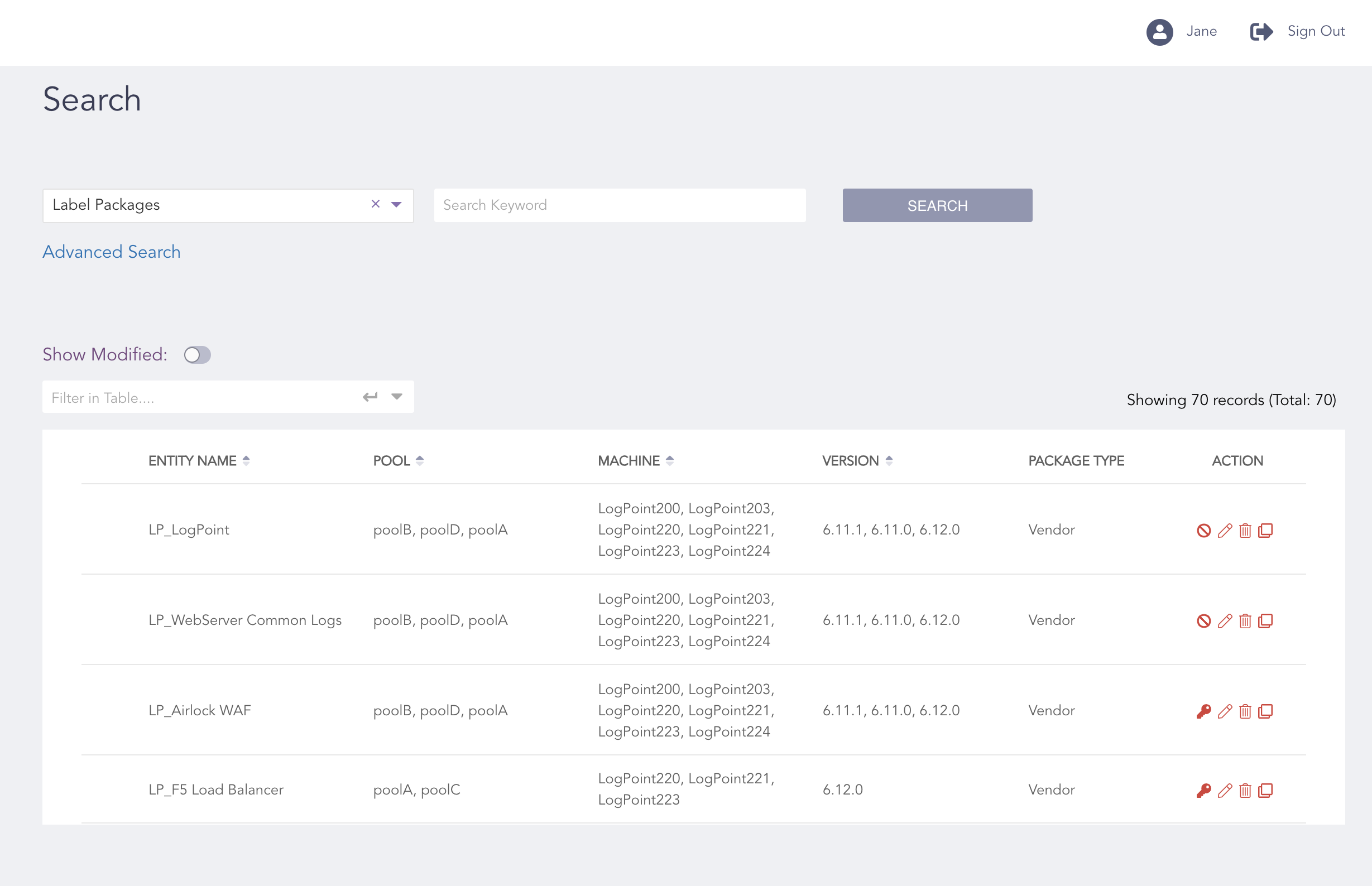
Click the Clone Icon
Click the Clone ( ) icon from the Action column of the search result.
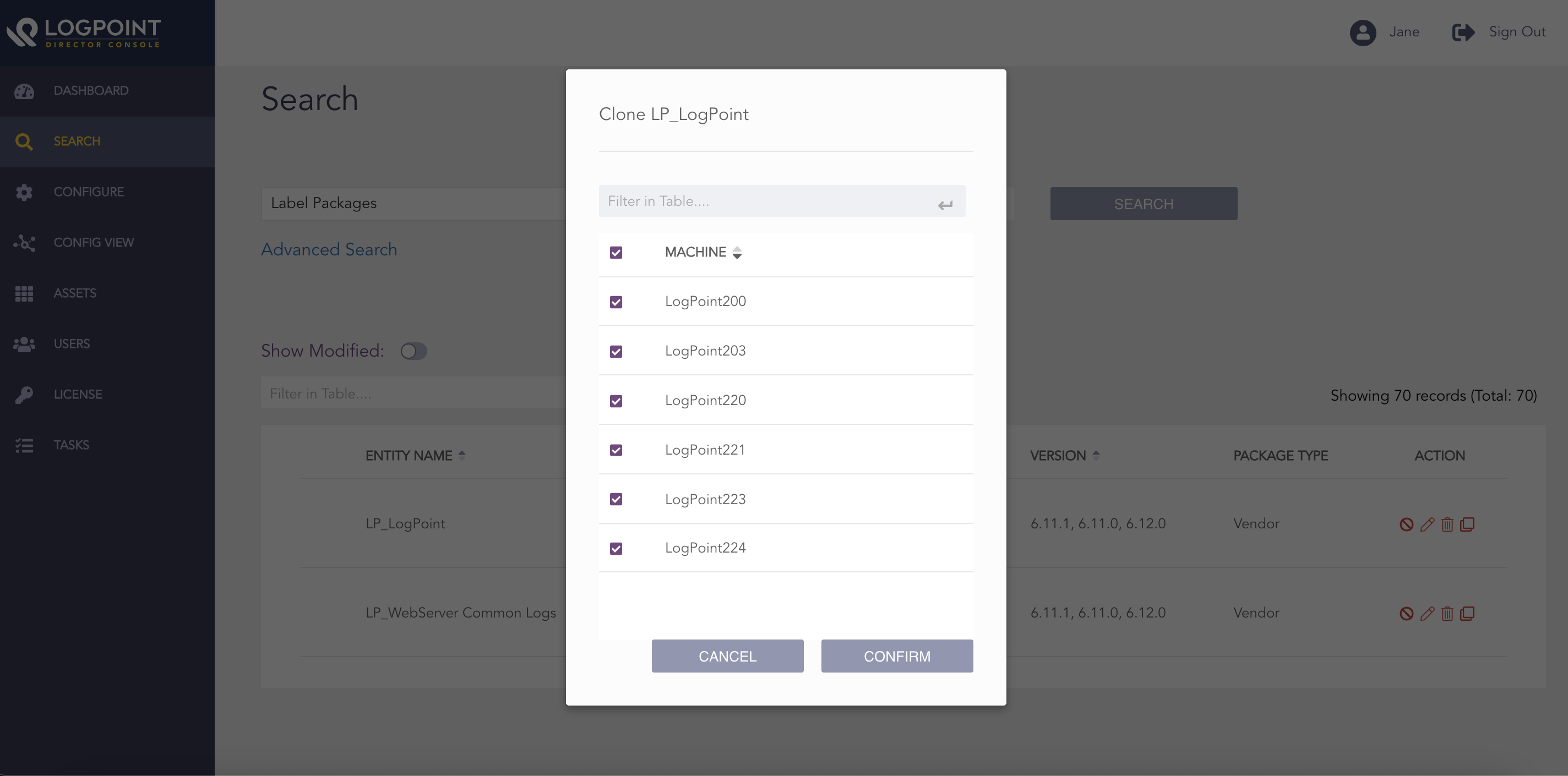
Selecting the Machines for Label Packages
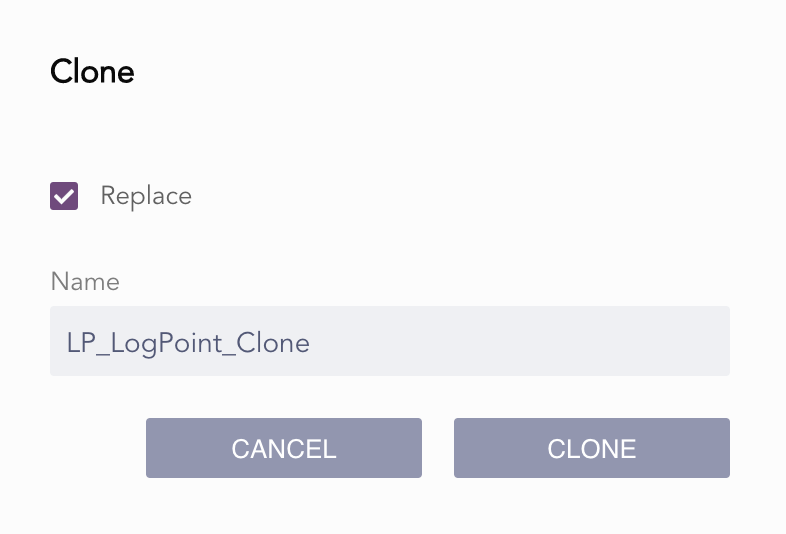
Cloning the Package
Select all the machines you want to clone and click Confirm if you want to clone label packages.
Enter a Name and select Replace to replace an existing package with the same name.
Click Clone.